who
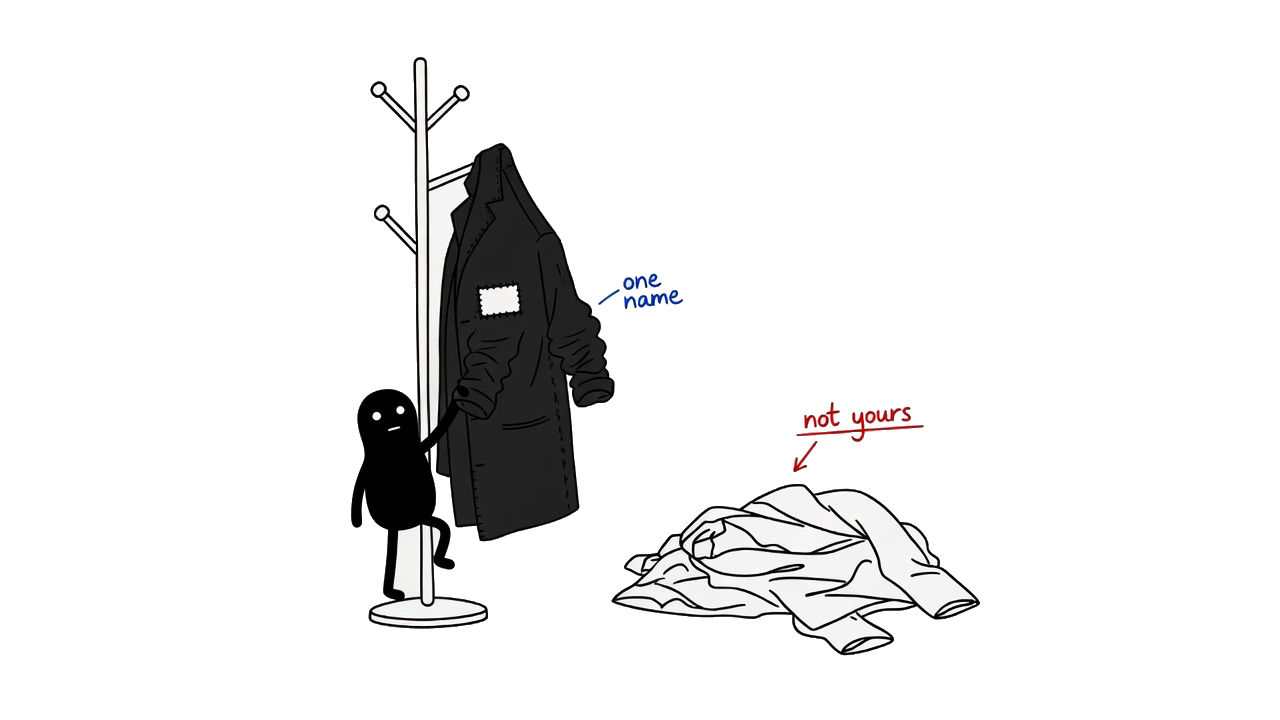
Later & maybeMake it clearer which assistant is responsible for an action.
An AI assistant can help with real work: read messages, check documents and keep an eye on a process. Limbs gives it tools for those tasks, a place to keep access keys, and a way to ask you when a decision needs a person.
Two tools are available: csec for access keys and ahh for checks, messages and human decisions. They run on your computer and work with an AI assistant you already use.
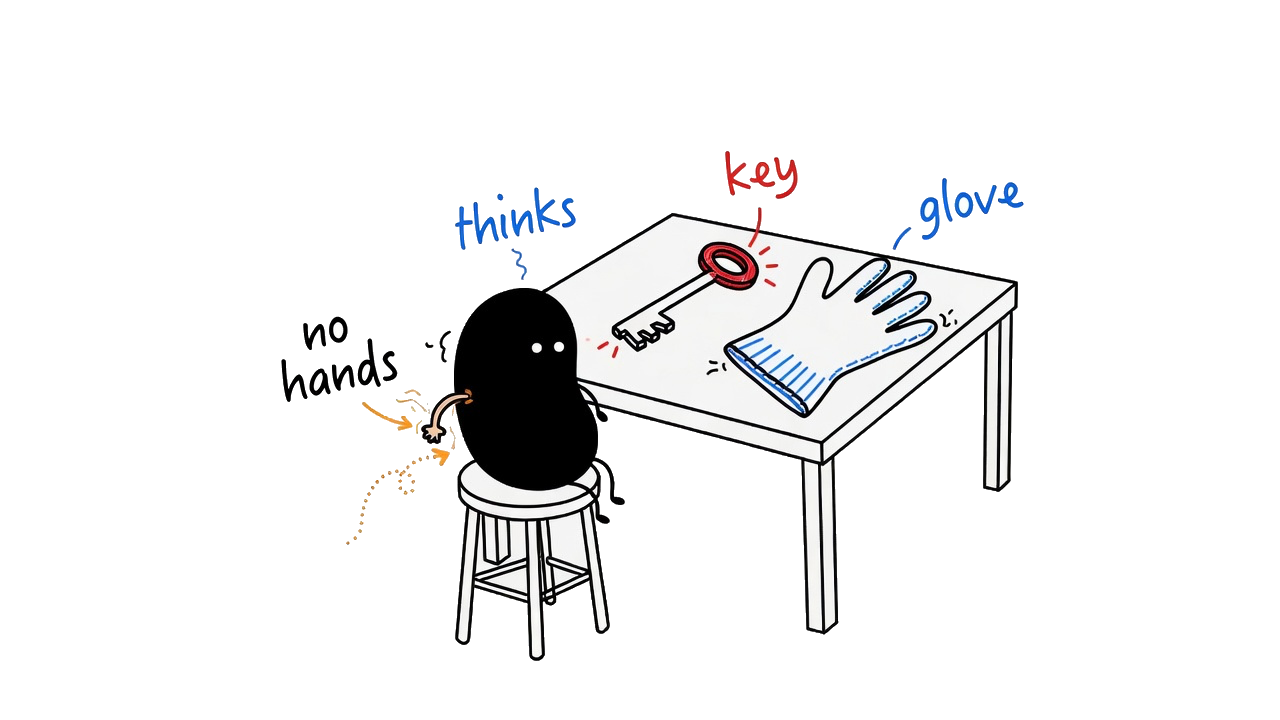
These are command-line tools: a developer or a technically comfortable operator sets them up. You do not need to replace your AI assistant. Each tool has its own guide.
A place for the keys your software needs.
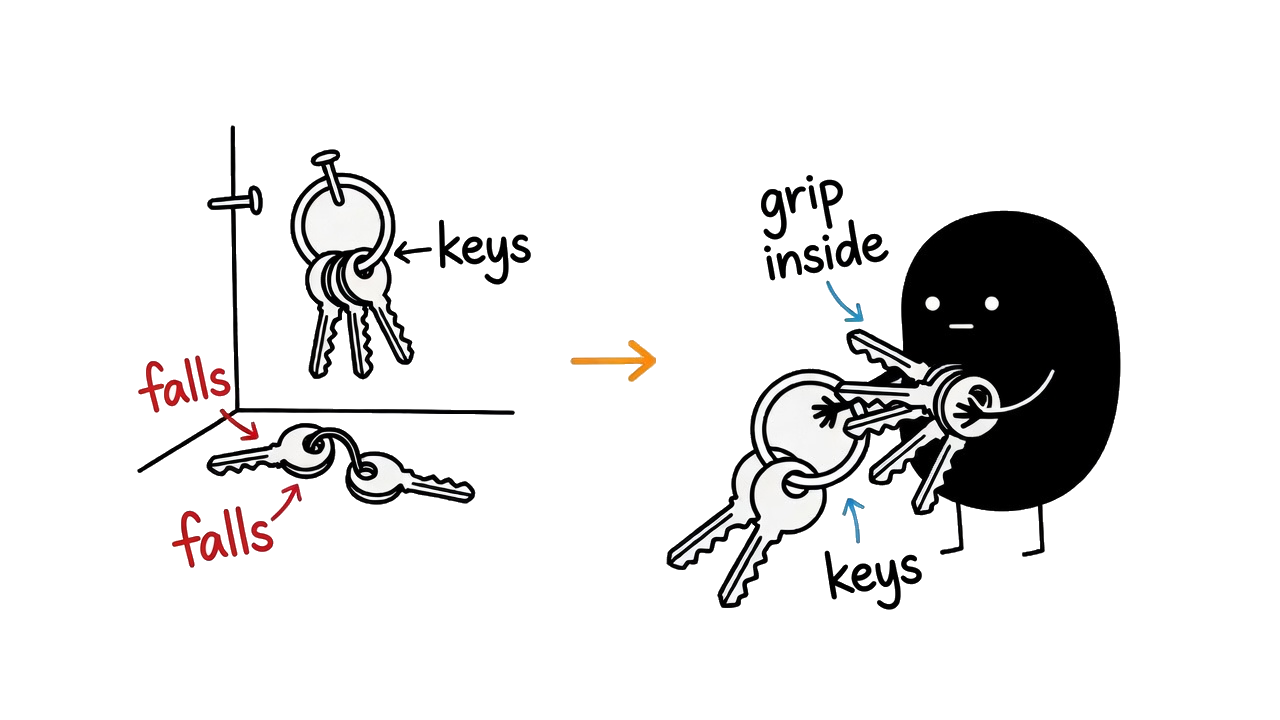
Access keys let software use services such as email or an AI model. csec stores those values in an encrypted file on your computer and lets authorised local workflows retrieve them when needed.
You can also synchronise an encrypted collection through a private Git repository. This helps you use the same credentials on more than one machine.
For macOS or Linux, run this in a terminal. Read Setup & trust before installing.
curl -fsSL https://csec.limbs.dev/install | bashFor Windows and first-use instructions, see the csec guide.
Checks, communication and a way to ask you.
ahh helps an assistant handle incoming content, work with email and Telegram, monitor ongoing tasks, and present questions to a person. It uses csec for the credentials its integrations need.
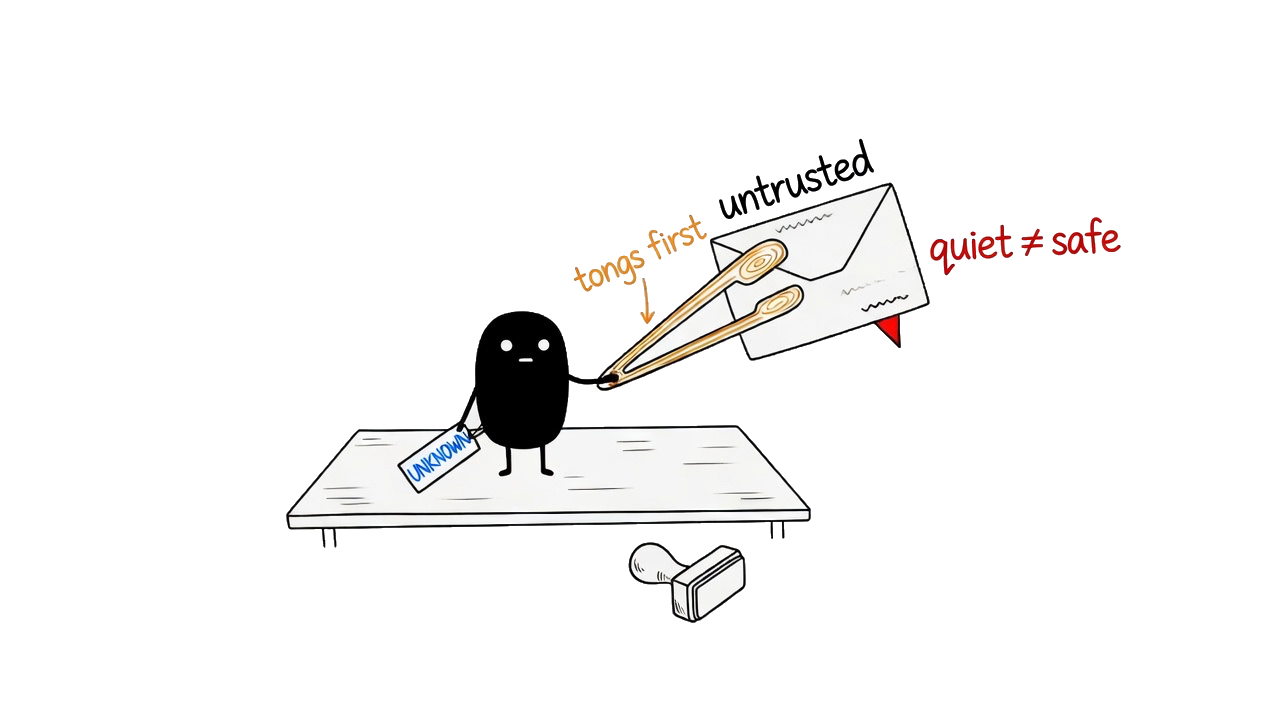
A scan reports dangerous, unknown or safe. Read the result alongside what was checked: these verdicts are not a guarantee that a document or instruction is harmless.
Using ahh 0.8.0 with PDFs? It can report safe while missing some text. Read the known PDF limitation before relying on that version.
For macOS or Linux, run this in a terminal. Windows and first-use instructions are in the ahh guide.
curl -fsSL https://ahh.limbs.dev/install | bashStart with the preflight check, then read help for the task you want:
ahh doctor
ahh scan --help
ahh mail --help
The first-use guide includes an offline text check and setup for the online model. Downloaded releases can lag fixes in development; check your installed version and its known limits.
Limbs is a set of tools you choose to put into a workflow. It does not automatically control everything an AI assistant or another app can do on your computer.
csec protects stored credentials through encryption. A program with permission to retrieve a key can still use it. ahh can check incoming content and apply the controls documented for each command; it cannot promise to recognise every harmful instruction.
Some ahh scans use configured external services. Read the manual before sending private material for analysis. Offline and unavailable checks have explicit limits.
The first installation depends on trusting the download source. Later updates are checked against a signing key embedded in the installed tool, so replacing files on a download server alone is not enough to create a trusted update.
Start with the csec guide and ahh guide. The installed tool's help describes the commands available in your release.
Ideas we may explore. They are not available features, a release schedule or a promise.
Make it clearer which assistant is responsible for an action.
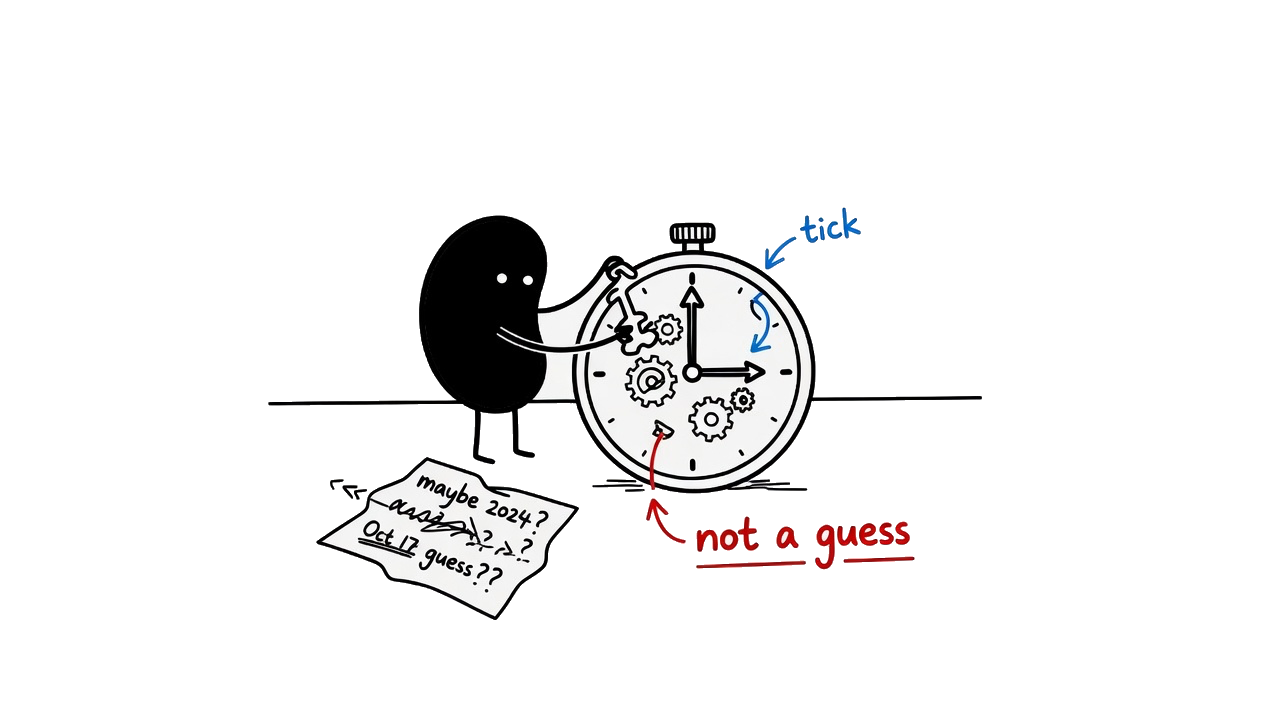
Give workflows a dependable account of when something happened.
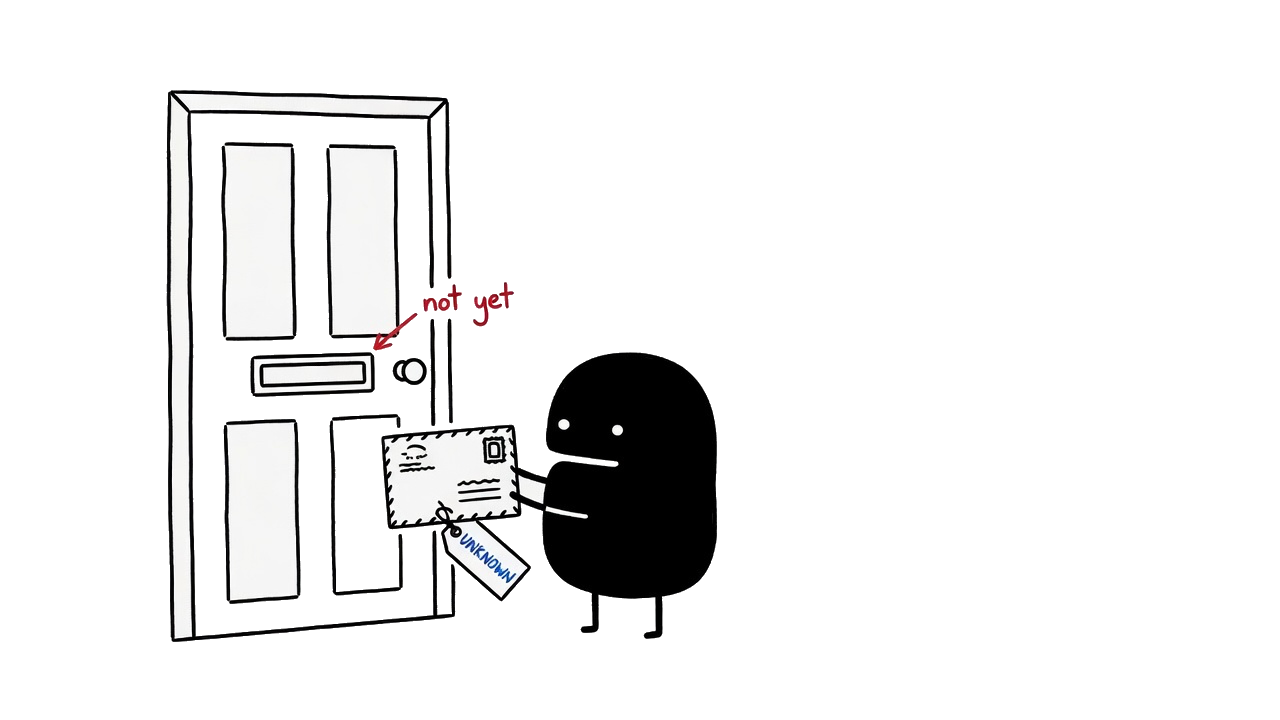
Check outgoing content before a workflow sends it to someone else.
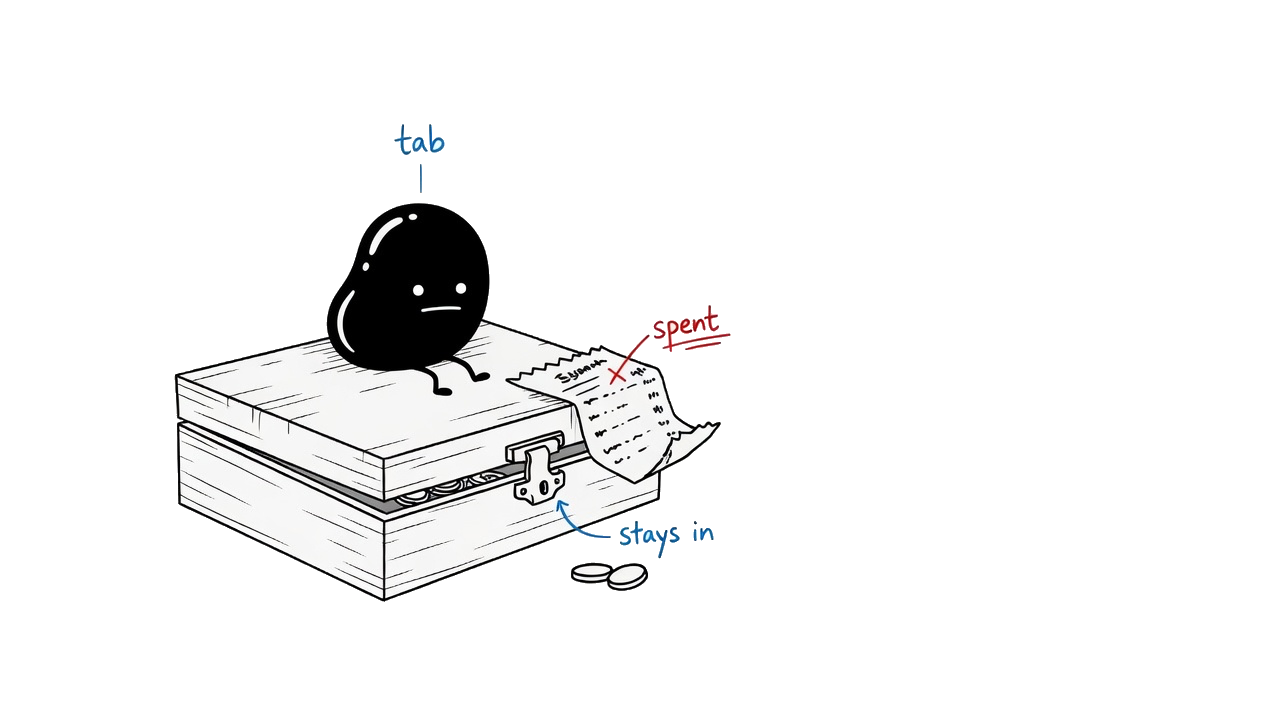
Set limits on the resources an assistant can spend.
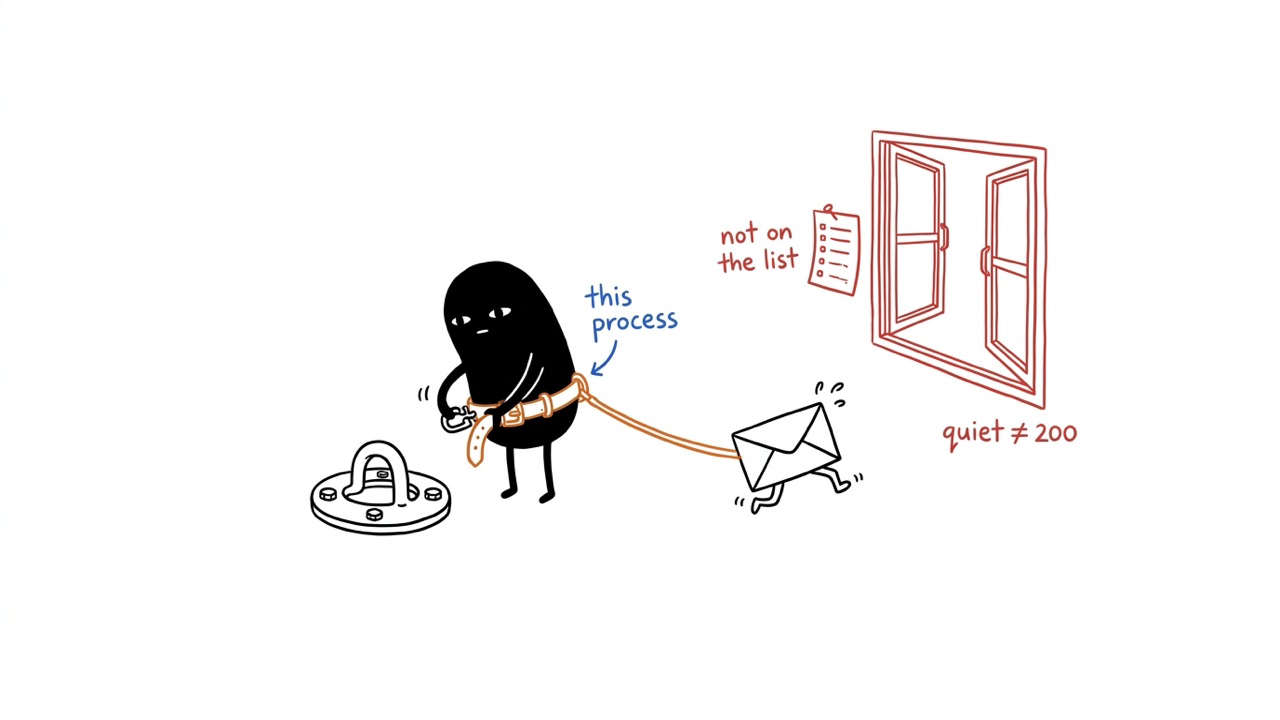
Limit which internet destinations a program can contact. There is no installer for this idea.